


Thursday, 12 October 2023
Anti-Drug Campaign
Janamythri Police officers from Ottapalam Police Station visited our college as part of anti drug campaign on 12/10/2023
Wednesday, 11 October 2023
Intercollegiate Gandhi Quiz _" A Journey through Gandhian Era"

Our students Krishnajith Namboothiri &Mohamed Ajmal of First Year



 Social Science made us proud by adding another feather in the cap of our aspirations. They bagged third prize in the Intercollegiate Gandhi Quiz -"A Journey through the Gandhian Era", organised by the Quiz Club of Nirmala College, Muvattupuzha on 11/10/2023. Every small achievements of our students form the testament to their limitless dedication and enthusiasm which add on to the large crowning accomplishments of our college.Hats off to Krishnajith &Ajmal..
Tuesday, 10 October 2023
A hands on workshop on data entry for M Ed students

A workshop on data entry for MEd students was conducted today at M Ed class Dr K S Sajan acted as resource person for the session
# Data Entry Using Microsoft Excel
## Introduction
Data entry is a fundamental task in various fields, including business, research, and data analysis. Microsoft Excel is a widely used spreadsheet application that provides powerful tools for data entry, storage, and manipulation. This report will outline the key steps and best practices for efficient data entry in Microsoft Excel.
## Steps for Data Entry
1. **Open Microsoft Excel**: Launch the Excel application on your computer.
2. **Create a New Workbook**: Start a new workbook by clicking on "File" > "New" or by using the keyboard shortcut `Ctrl + N`.
3. **Design Your Data Structure**: Plan how you want to structure your data. Create column headers to represent different categories of information. For example, if you are entering sales data, you might have columns for "Date," "Product," "Quantity," and "Sales Amount."
4. **Enter Data**: Begin typing your data into the appropriate cells. Use the "Tab" key to move to the next cell to the right or the "Enter" key to move to the next cell below. You can also use the arrow keys for navigation.
5. **Data Validation**: Ensure data accuracy by using validation rules, especially for critical data. Excel allows you to set data validation rules to restrict what can be entered in specific cells. This helps maintain data consistency.
6. **Use Data Forms**: Excel provides data forms for easier data entry. You can go to "Data" > "Form" to access a simple form that guides you through entering data row by row.
7. **AutoFill**: Excel's AutoFill feature is helpful for entering repetitive data. Enter a pattern, and Excel can automatically fill in the subsequent cells. For instance, typing "January" and dragging the fill handle will populate the next months.
8. **Keyboard Shortcuts**: Excel offers many keyboard shortcuts to speed up data entry. For instance, `Ctrl + D` copies the value from the cell above, `Ctrl + R` copies from the cell to the left, and `Ctrl + ;` inserts the current date.
9. **Use Drop-Down Lists**: Implement drop-down lists for specific cells to ensure data consistency. This is particularly useful when you want to select from predefined options.
10. **Save Your Work**: Regularly save your workbook by clicking on "File" > "Save" or using `Ctrl + S`. This prevents data loss in case of unexpected events.
11. **Proofreading**: After data entry, review the data for errors and inconsistencies. Correct any typos or inaccuracies.
12. **Data Protection**: Protect sensitive data by setting up passwords and restricting access to certain cells or worksheets.
## Best Practices
1. **Consistent Formatting**: Maintain a consistent formatting style for dates, numbers, and text to ensure data uniformity.
2. **Data Labels**: Use clear and concise labels for columns and rows to make data interpretation easier.
3. **Data Documentation**: Create a data dictionary or documentation to explain the meaning of each column and its data format.
4. **Backups**: Regularly back up your Excel files to prevent data loss due to technical issues or accidental deletions.
5. **Data Entry Training**: If multiple people are involved in data entry, provide training to ensure everyone follows the same standards and practices.
6. **Data Entry Quality Control**: Implement a quality control process to verify the accuracy and integrity of the data entered.
## Conclusion
Efficient data entry using Microsoft Excel is essential for maintaining data integrity and facilitating data analysis. By following the steps outlined in this report and adhering to best practices, you can ensure that your data is accurately entered and well-organized, making it easier to work with and derive insights from your data.
Academic Milestone Achieved: In a momentous event held at NSS Training College Ottapalam, education scholar Mrs. Fatimath Naseena P P reached a significant academic milestone by successfully defending her PhD thesis. The viva-voce and open defence, which took place on the 10th of October, 2023, marked the culmination of years of dedicated research and scholarly endeavor.Under the able guidance of Dr. Sankaranarayanan Paleeri, Assistant Professor at NSS Training College Ottapalam, Mrs. Fatimath Naseena P P embarked on a rigorous academic journey that culminated in this noteworthy achievement. Her work in the field of education promises to contribute significantly to the broader academic discourse.The proceedings were presided over by Prof. Dr. Noushad P P, a distinguished figure in the academic community and a Professor at the School of Gandhian Thoughts and Studies, Mahatma Gandhi University, Kottayam. Prof. Dr. Noushad P P assumed the role of Chairman, ensuring the proceedings were conducted with scholarly rigor and precision.Principal Prof. Dr. Ampili Aravind extended a warm welcome to the esteemed gathering of scholars and academicians, emphasizing the significance of the occasion. The event was further graced by the presence of Research Coordinator Dr. Sunilkumar A S, who offered his felicitations to the assembly.This momentous occasion not only showcases the academic prowess of Mrs. Fatimath Naseena P P but also underscores the commitment to excellence demonstrated by NSS Training College Ottapalam. The institution's dedication to nurturing scholarly talent and facilitating groundbreaking research is exemplified through such achievements.The successful defence of her PhD thesis is a testament to Mrs. Fatimath Naseena P P's unwavering dedication, intellectual acumen, and scholarly rigor. Her work is poised to make a meaningful contribution to the field of education, and it is with great anticipation that we await the broader dissemination of her findings.We look forward to witnessing the continued growth and contributions of Mrs. Fatimath Naseena P P in the realm of education research.


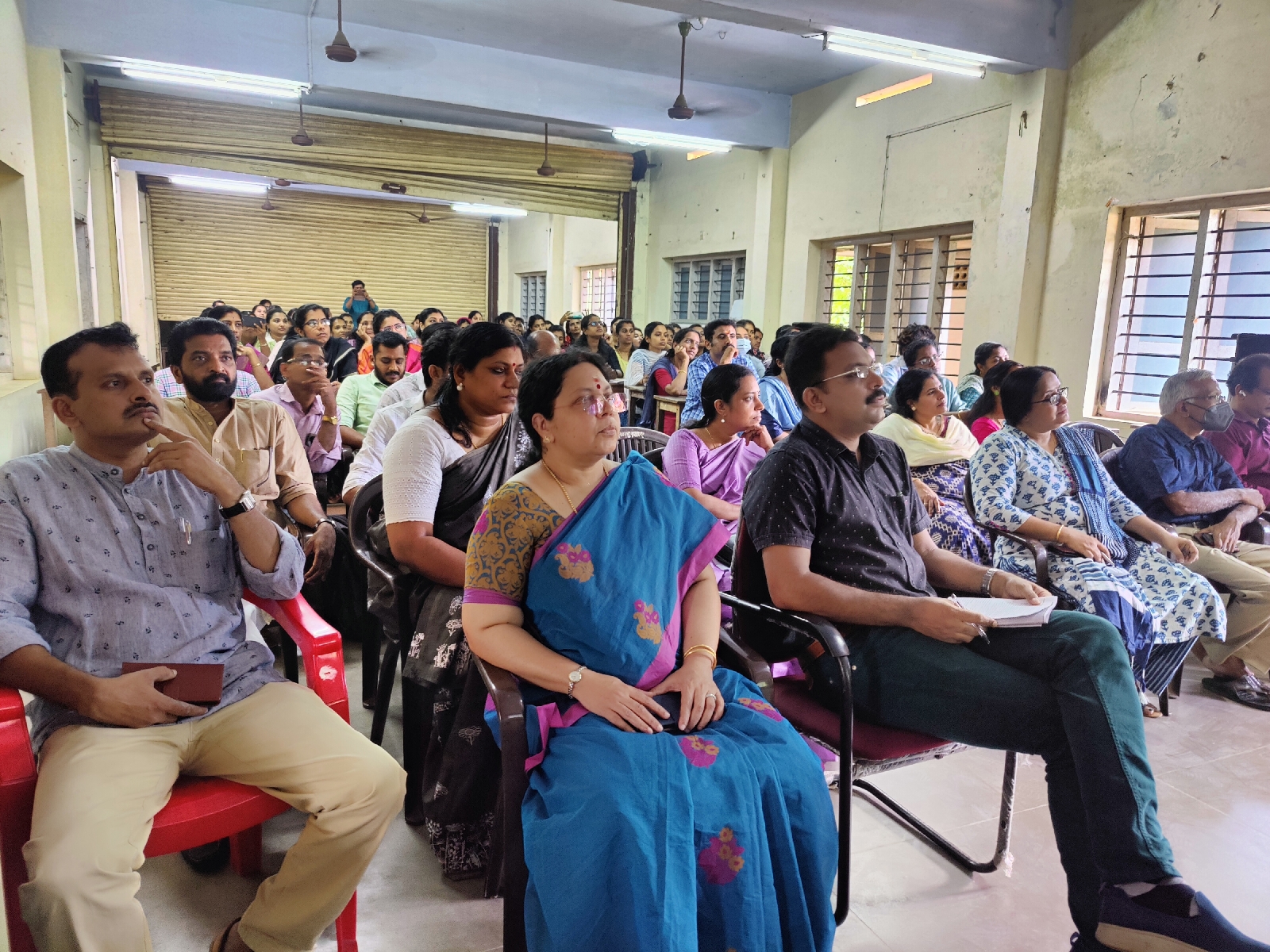




Friday, 6 October 2023
ഗാന്ധി ജയന്തി വാരാഘോഷം 2023(03/10/23_06/1023)











Thursday, 5 October 2023
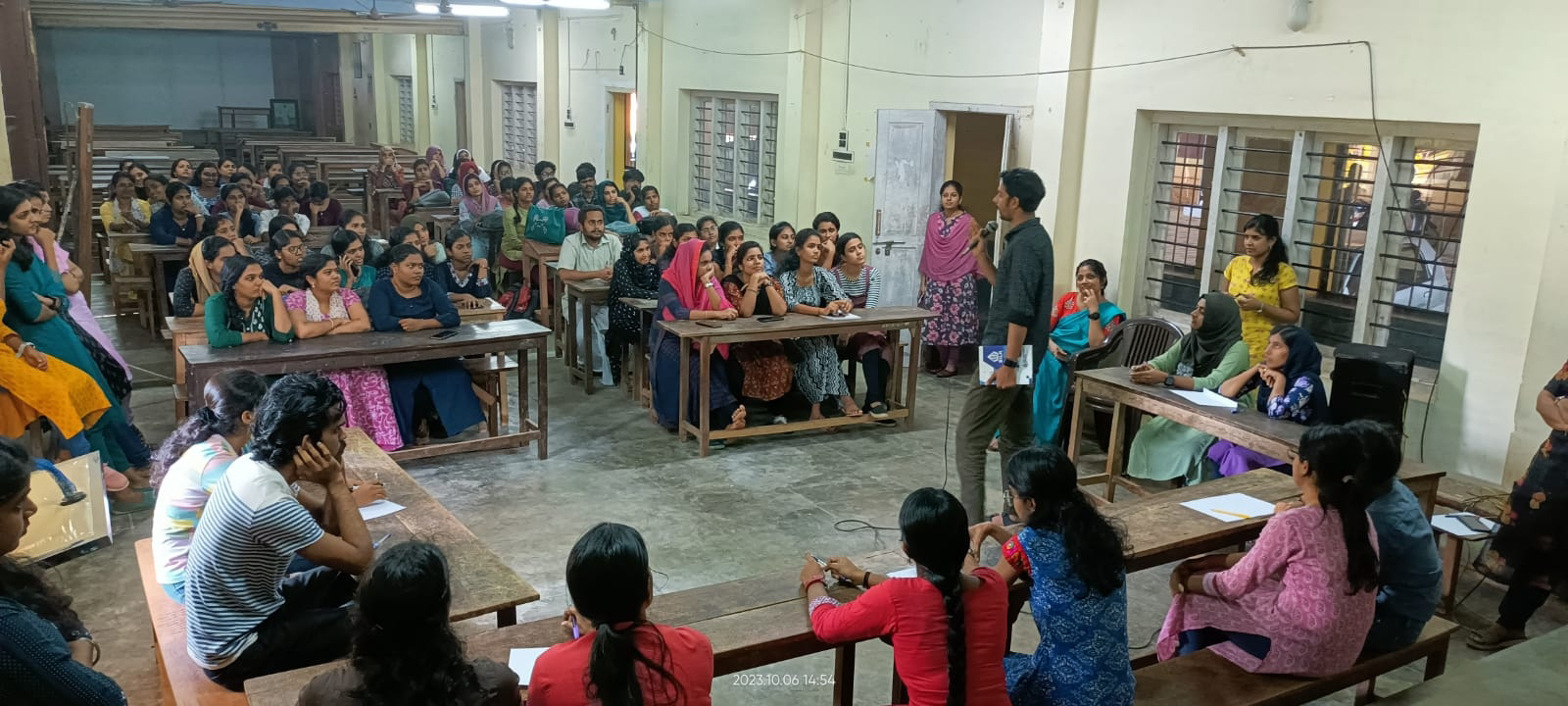
Collaborative Learning Pair and Share
On 5/10/2023 Thursday, the students of 1st year B. Ed Natural science Conducted a pairwise discussion at afternoon 1.30 p. m to 2.00 p. m to analyse the omitted points in their note books of school organization and also to add on that points. 16 students were presented in the activity and 8 pair of students were participated in the discussion. The pairwise grouping done as the following,
1.Abhirami-Amrutha
2.Anjali- Aswani
3.Aswathi-Athulya
4.Drisya-Gayathri
5.Greeshma. M(12625) - Greeshma. M(12711)
6.Greeshma.p.p-Haritha
7.Parvana-Sandra
8.Shamna- Sneha
Activity was lead by Dr K S SAJAN




Wednesday, 4 October 2023





Subscribe to:
Posts (Atom)